
Georgia DTF business guide
Build a clearer path from customer artwork to approved production.
Growth becomes easier to manage when quoting, artwork preparation, gang-sheet review, production approval, and repeat ordering follow a consistent path. This Georgia guide examines how Kiwi Suite can support that customer journey while keeping final production judgment with the shop.

487Commercial Printing (except Screen and Books)
NAICS 323111, 2023
NAICS 323111, 2023
180Commercial Screen Printing
NAICS 323113, 2023
NAICS 323113, 2023
33Support Activities for Printing
NAICS 323120, 2023
NAICS 323120, 2023
220Sign Manufacturing
NAICS 339950, 2023
NAICS 339950, 2023
Georgia market context
Use state data to frame opportunity without overstating demand.
County Business Patterns reports 920 Georgia establishments across commercial printing, commercial screen printing, printing support, and sign manufacturing in 2023. The mix includes 487 commercial printers, 180 commercial screen printers, 33 printing-support establishments, and 220 sign manufacturers. These counts show where related production businesses operate. They do not measure DTF sales, software use, or purchase intent.
Regional business data highlights Gwinnett County (150), Cobb County (92), and Fulton County (90). A practical growth plan should compare these regional signals with the shop's own order history, customer types, delivery reach, and production capacity.
Customer journey
Make the buying experience easier to understand.
Collect the right information at the beginning.
Ask for intended size, quantity, garment color, placement, deadline, source-file status, and proof approval. A cleaner intake reduces avoidable questions after production has already been scheduled.
Show customers what needs attention.
Use artwork preparation, recoloring, styling, background cleanup, or halftone exploration to create options for review. Explain which choices are creative directions and which still require a physical production test.
Confirm the complete layout before export.
Let the customer or production lead review artwork size, quantity, spacing, orientation, and the final arrangement. Preserve that approval with the job so the production file can be traced back to the decision.
Keep successful job information organized.
Record the approved artwork, production size, garment details, process settings, and customer notes. Kiwi Suite's current project and storage terms should be reviewed before a shop relies on the platform as a long-term record system.
Business decisions
Connect workflow improvements with measurable shop results.
Measure artwork revision time.
Track how long a job spends waiting for usable artwork, customer answers, design revisions, and proof approval. Compare the same job type before and after a new workflow is introduced.
Track sheet utilization and rework.
Record layout utilization, output errors, missing quantities, incorrect sizing, and reprints. Assisted arrangement may be useful, but the operator must still verify the complete exported sheet.
Protect turnaround promises.
Separate design time, customer approval time, print queue time, pressing, packing, and delivery. A connected design environment can support the front of the process, while the shop remains responsible for realistic production commitments.
Define the offer clearly.
Decide which artwork services are included, which require an additional charge, how many revisions are allowed, when proof approval becomes final, and how content-rights concerns are handled.
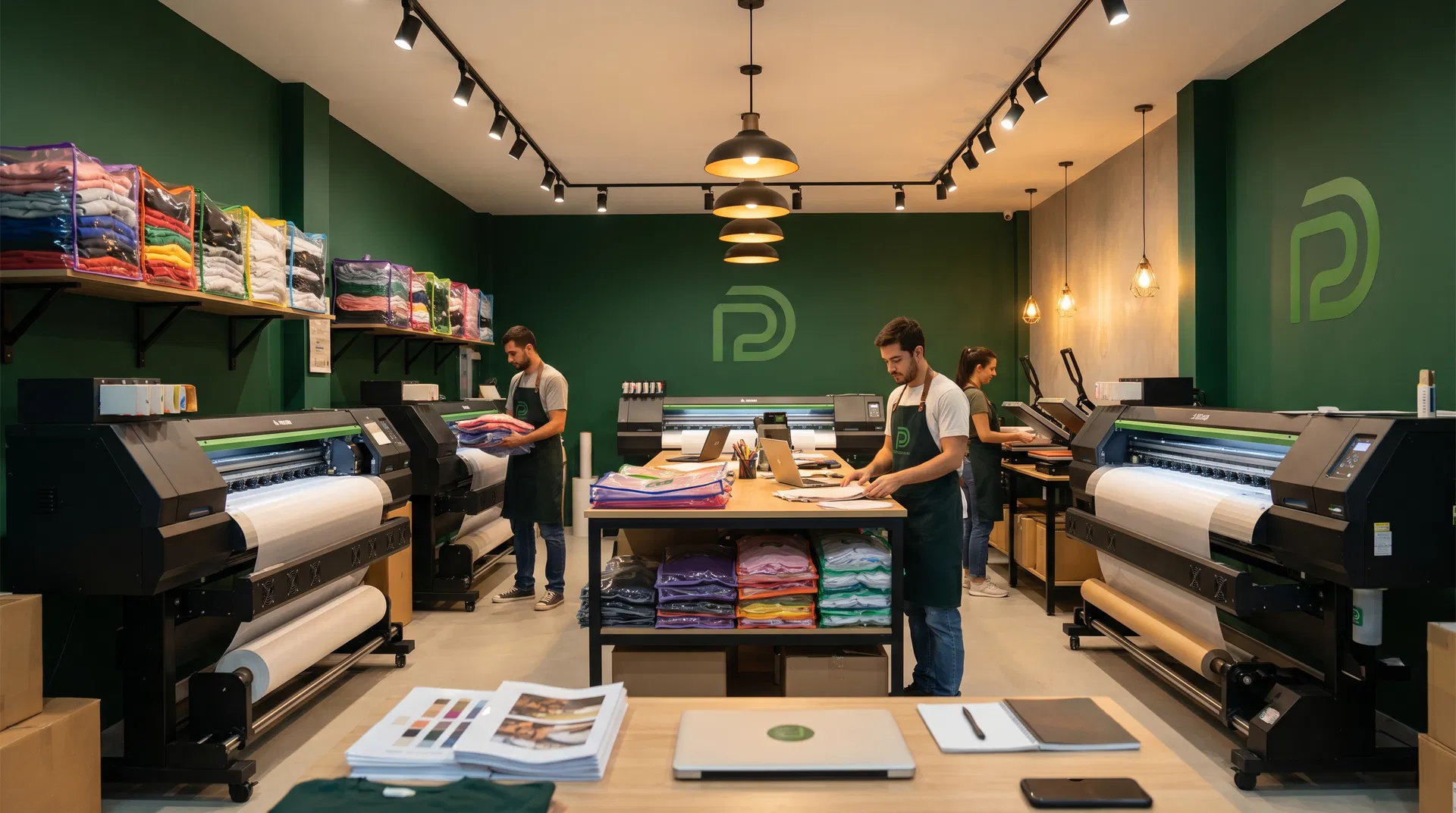
A clearer customer path
Connect ordering, artwork approval, and production planning.
A connected workflow can help Georgia businesses reduce avoidable handoffs between the customer request, design review, gang-sheet approval, and production queue. The useful measure is not the software screen alone. It is whether customers understand what they approved and whether the shop can produce that order accurately and profitably.
A controlled shop trial
Compare the new path with a known baseline.
Choose several representative jobs, including a clean production file, a customer image that needs preparation, a mixed-quantity gang sheet, and a repeat order. Record the labor time, number of customer contacts, revision count, approval time, exported-sheet accuracy, production rework, and final margin for the current process. Run the same job types through the proposed Kiwi Suite workflow without changing the quality standard. The comparison should include training time and any manual checks that remain necessary. Keep the test window long enough to include both routine work and a difficult file, then review the findings with the operators who performed the work. Document what improved, what stayed manual, and what introduced a new concern. Include customer feedback when the revised approval path changes their experience. A useful trial does not depend on one impressive design. It shows whether the complete process is clearer, repeatable, and financially sensible for the Georgia shop that will use it.
Resources in Georgia
Pair software evaluation with local business support.
- Georgia Manufacturing Extension Partnership at Georgia Tech
Manufacturing Extension Partnership resource for state-oriented manufacturing assistance and referrals. - CareerOneStop Workforce Development Board Finder
Federal workforce-development board directory for locating local workforce resources. - U.S. Census Bureau County Business Patterns
Review the establishment data used to describe the local production ecosystem. - Kiwi Suite education program
Qualifying institutions can review the current application pathway and program conditions. - Kiwi Suite Terms and Privacy Policy
Review current account, content, processing, retention, and privacy terms before adoption.
Common growth questions
Questions to answer before changing the workflow.
Does a larger state establishment count guarantee a larger DTF market?
No. These print and sign business categories provide industry context only. A shop should use its own customer records, inquiries, job mix, competitive research, and tested offer before making an investment decision.
Can Kiwi Suite guarantee faster turnaround?
No. Turnaround depends on artwork quality, customer response, staffing, equipment, materials, production scheduling, quality control, and delivery. Measure the complete process under the shop's real conditions.
Which results should a Georgia shop track?
Useful measures include artwork revision time, proof-approval time, sheet utilization, reprints, customer-response time, completed jobs, repeat orders, and the margin earned after design and production labor.
How should AI-assisted artwork be handled?
Keep human review, rights clearance, customer approval, and production testing in the process. Confirm current feature scope, plan access, fair-use rules, and content terms directly with Kiwi Suite.
Sponsored content
This guide is sponsored by Kiwi Suite. Print News Group retains control of its wording, sourcing, disclosure, and publication decisions. Product, service, account, and policy information should be confirmed through the sponsor's current official materials.
Real workflow examples
Start with the job you actually need to produce.
Kiwi Suite is most useful to evaluate with representative artwork, known dimensions, a real approval path, and the production checks your team already trusts. These examples are practical starting points, not promises that one feature fits every file or shop.
From artwork to a print-ready gang sheet.
Upload artwork, remove backgrounds where the file is suitable, set real-world dimensions, arrange multiple designs, and export a clean sheet for the shop's DTF workflow. The production operator should still verify the final exported file in the RIP and against the approved order.
A free DTF design workspace for educators.
Qualifying educators can review Kiwi Suite's current education-access pathway for teaching image preparation, sizing, layout, and production thinking. Confirm eligibility, account limits, feature access, and current program terms directly with Kiwi Suite before classroom use.
Turn one idea into a coordinated collection.
Clean the artwork, test variations, and organize transfers for shirts, hoodies, totes, and youth garments while keeping the final sizing and production decision visible.
Fewer layout mistakes before production.
Work at intended print dimensions, inspect spacing before export, preserve approved layouts for repeat orders, and keep customer approval connected to the production file.

Creator and brand workflow
Move from one approved idea to a repeatable product family.
Creators and small apparel brands can test artwork directions, organize compatible sizes, and preserve the approved production choices behind repeat orders. Track revision time, proof approvals, reprints, and margin so the business decision is based on the complete workflow rather than one screen.
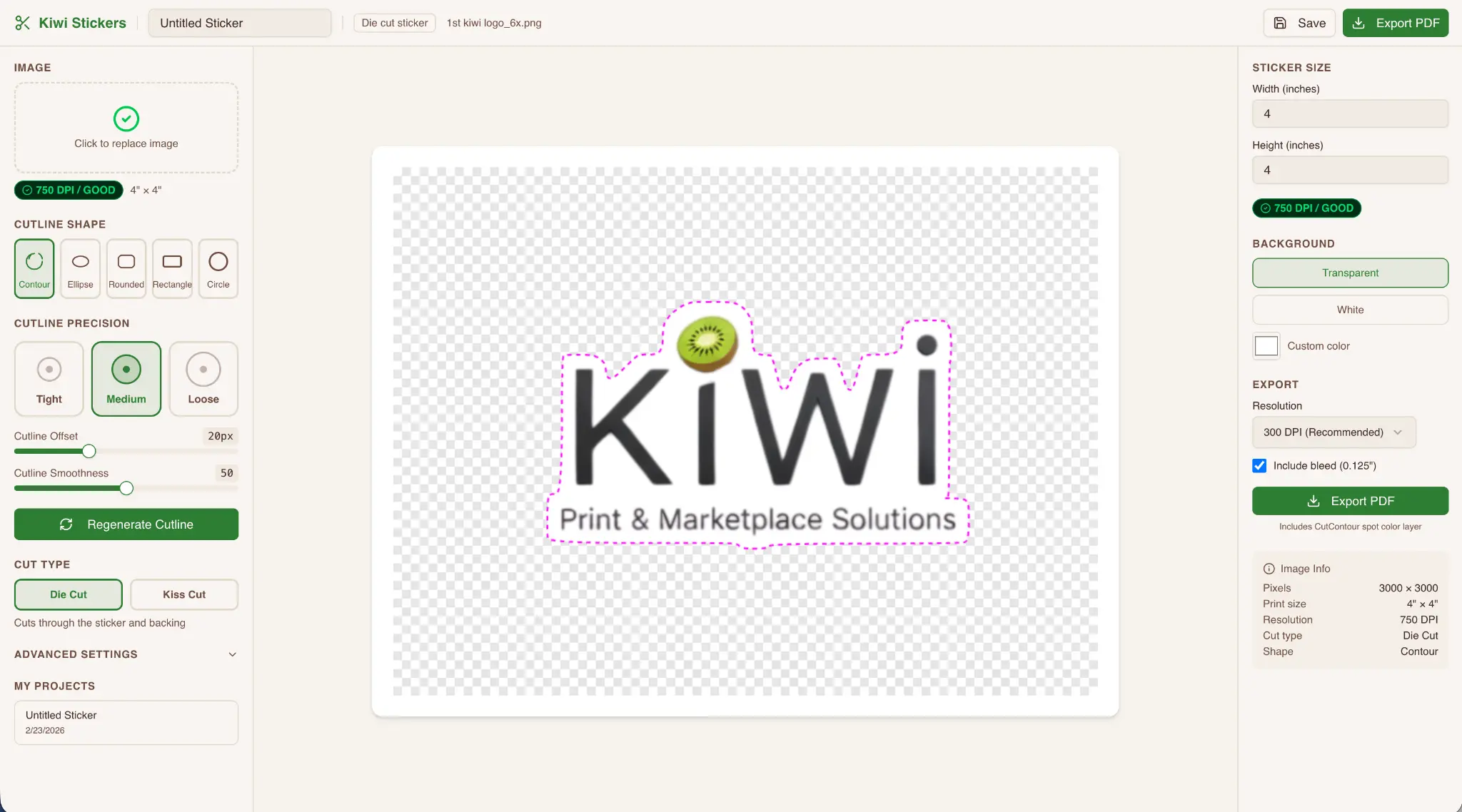
Related product paths
Reuse approved artwork decisions without overstating the feature set.
When the same artwork moves into another product format, keep the source file, rights clearance, dimensions, customer approval, and production-specific checks with the job. Confirm the current Kiwi Suite tool scope and plan access before promising a new service to customers.