Evaluate the connected workflow.
Review artwork direction, file preparation, halftone treatment, gang-sheet planning, visual effects, content rights, and final production checks with your own files.

Sponsored DTF production resource
Kiwi Suite is a browser-based platform for DTF gang-sheet and design workflows. These state guides help print shops, apparel decorators, graphics teams, and qualifying schools evaluate both the production workflow and the business process around it.

Two resources for every state
Review artwork direction, file preparation, halftone treatment, gang-sheet planning, visual effects, content rights, and final production checks with your own files.
Examine artwork intake, proof approval, revision time, sheet utilization, rework, turnaround promises, repeat orders, and local production-market context.
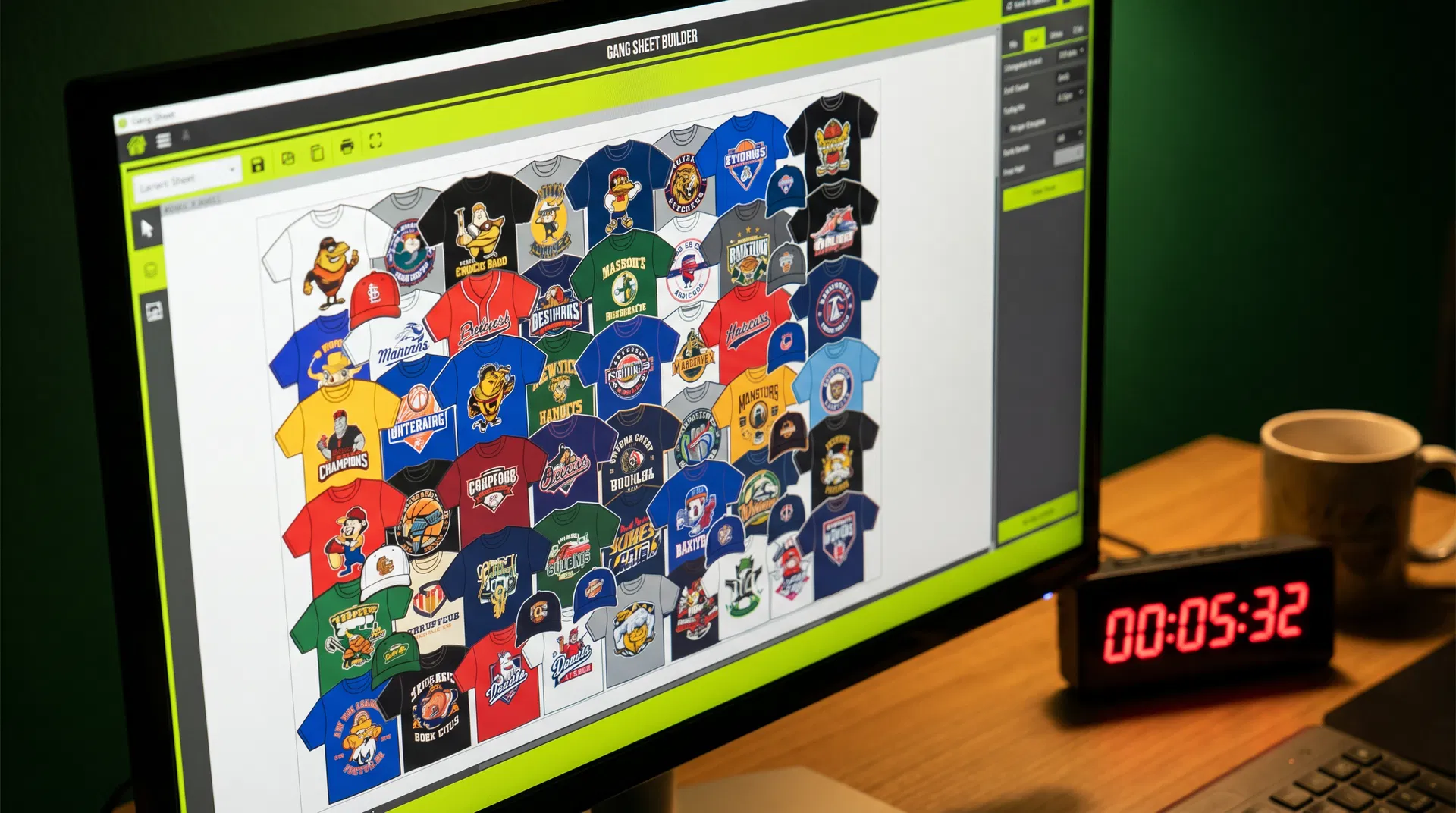
Connected production planning
Use the state guides to evaluate the production path and the customer experience separately, then measure how the complete process performs with your own artwork, equipment, materials, operators, and quality standards.
50 workflow guides
50 business guides
This guide is sponsored by Kiwi Suite. Print News Group retains control of its wording, sourcing, disclosure, and publication decisions. Product, service, account, and policy information should be confirmed through the sponsor's current official materials.
Real workflow examples
Kiwi Suite is most useful to evaluate with representative artwork, known dimensions, a real approval path, and the production checks your team already trusts. These examples are practical starting points, not promises that one feature fits every file or shop.
Upload artwork, remove backgrounds where the file is suitable, set real-world dimensions, arrange multiple designs, and export a clean sheet for the shop's DTF workflow. The production operator should still verify the final exported file in the RIP and against the approved order.
Qualifying educators can review Kiwi Suite's current education-access pathway for teaching image preparation, sizing, layout, and production thinking. Confirm eligibility, account limits, feature access, and current program terms directly with Kiwi Suite before classroom use.
Clean the artwork, test variations, and organize transfers for shirts, hoodies, totes, and youth garments while keeping the final sizing and production decision visible.
Work at intended print dimensions, inspect spacing before export, preserve approved layouts for repeat orders, and keep customer approval connected to the production file.
Kiwi Suite workflow visuals
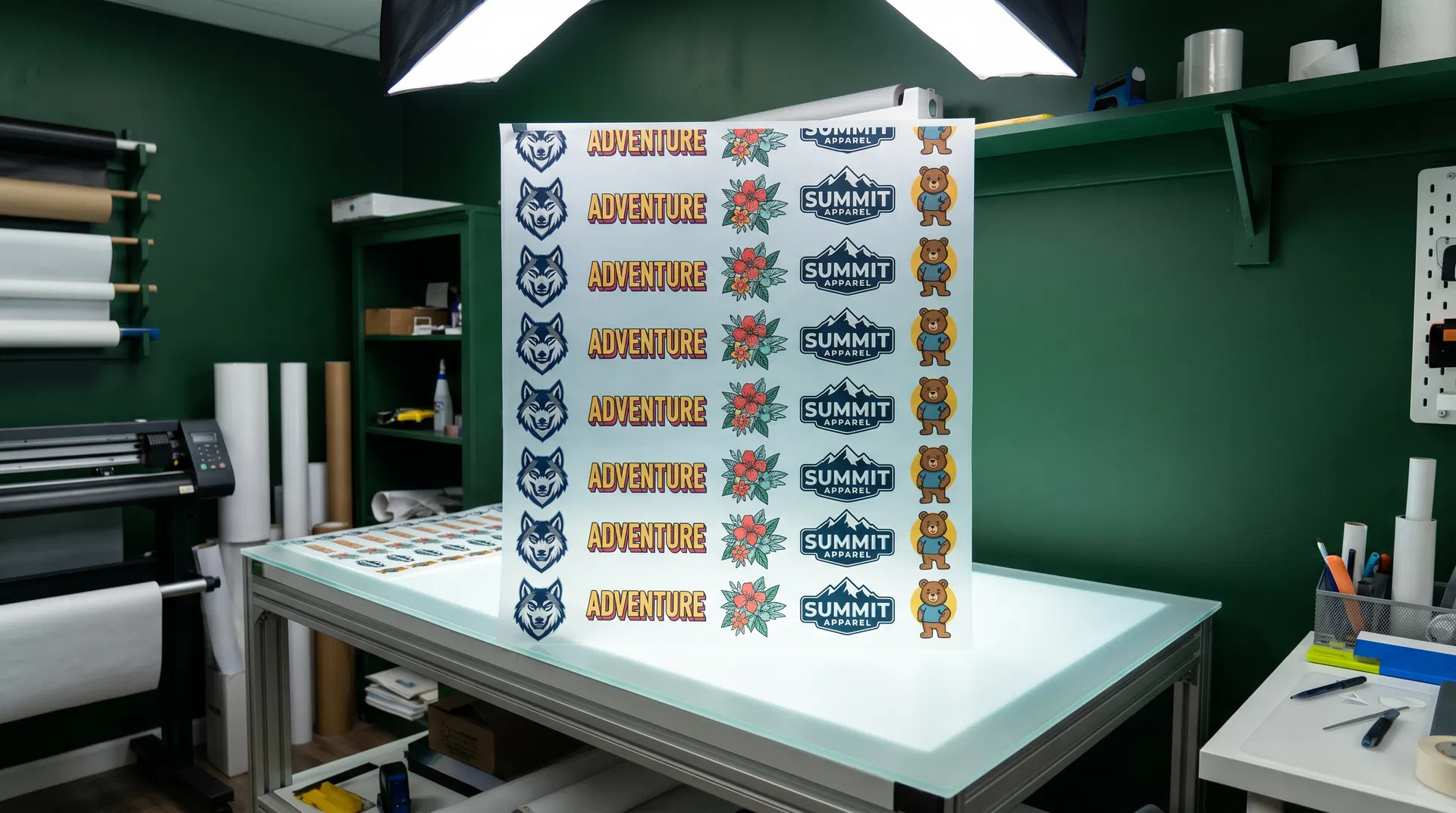
Use the gang-sheet workspace to review artwork size, quantity, spacing, and placement before export. Compare the exported sheet with the approved order before printing.
Automatic arrangement can help organize a sheet, but the operator should inspect orientation, dimensions, quantities, spacing, and every design before the file enters production.